How to create better inspection photo reports
A better inspection photo report is not more photos. It is fewer arguments about which room an image belongs to.
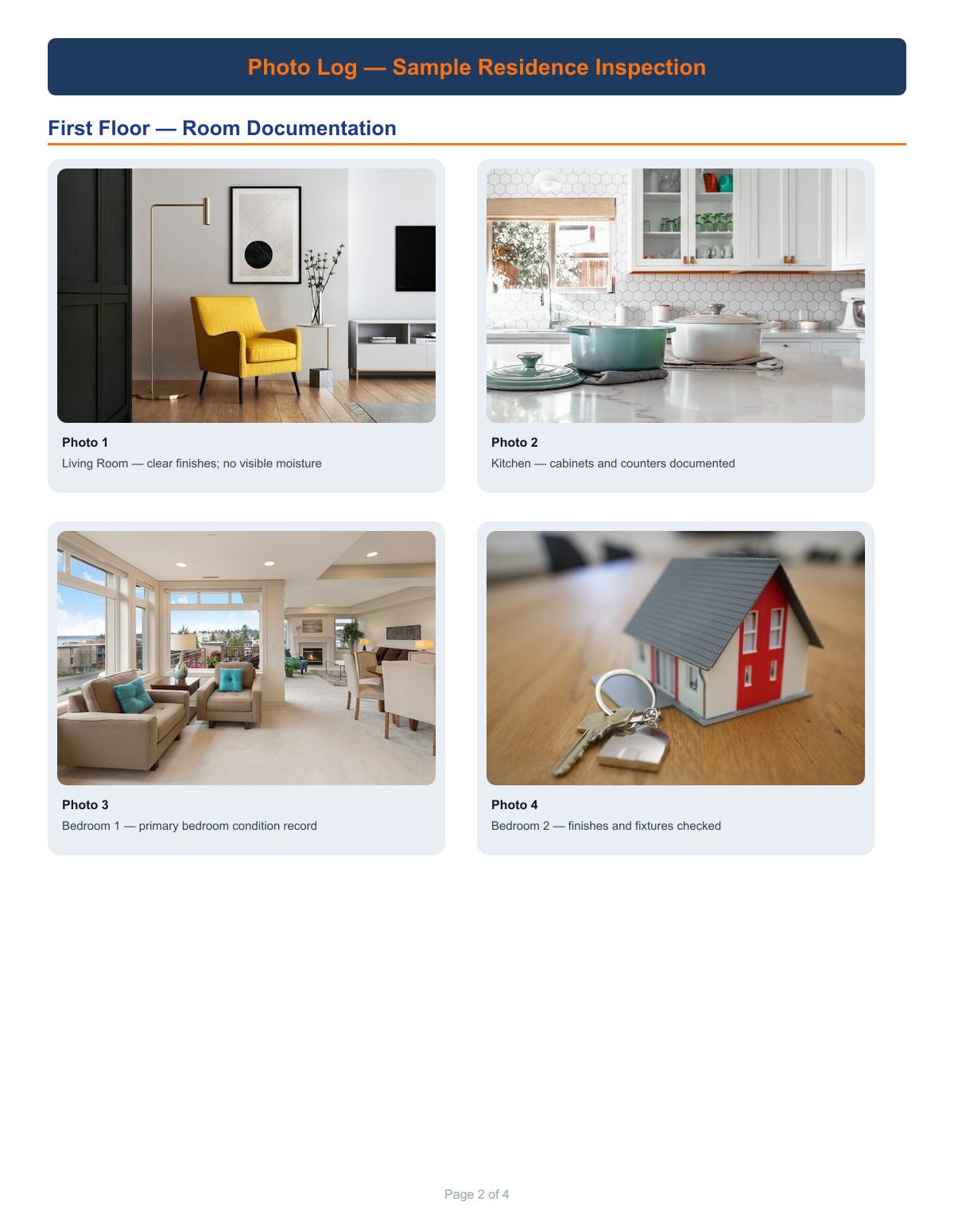
Build the index before the PDF
- Load the floor plan, roof plan, or site map you actually walked.
- Place waypoints on every space you will photograph.
- Capture at the pin so location is not a later sorting job.
- Write captions that add condition, not just “bath.”
- Export once the plan walk has no empty rooms you meant to cover.
That is the product path on inspection photo reports. The generic export walkthrough is how to create a floor plan photo report.
Start an inspection photo report